PixMiller PixMiller
AI product photos · reference scene

Put your product into any scene you like

Upload your product and a reference photo whose look you like. AI recreates that scene with your product in it — ready for listings, ads and social posts.

  • Keeps the scene's background, props, light and composition
  • No studio, no reshoot
  • 4 credits per image · failed images refunded

1 · Your product

2 · Reference scene

How it works

1 Upload your product A clear photo of the product, or bring over the cutout you just made with Background Remover.
2 Add a reference scene Any ad, catalog or lifestyle photo whose look you want — its background, props and lighting are kept.
3 Generate and download AI places your product in that scene. Pick one or two takes and download the image.

See the difference

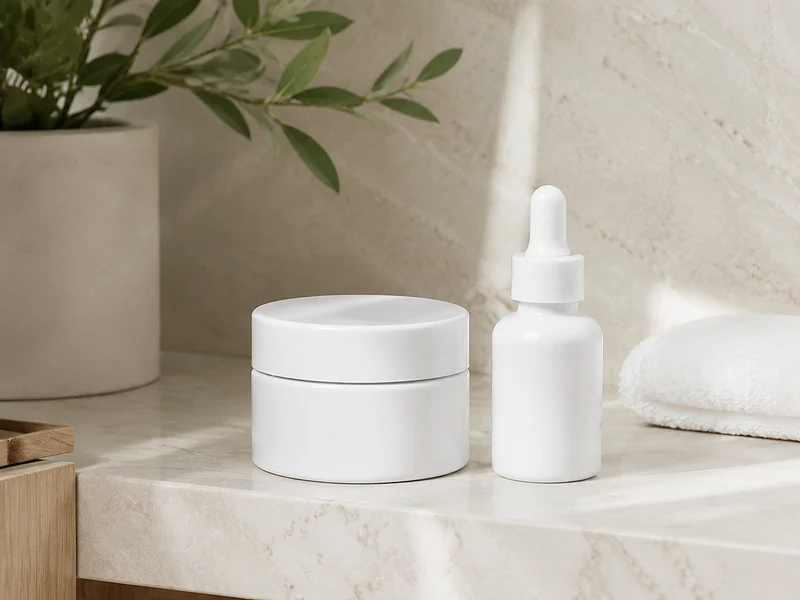
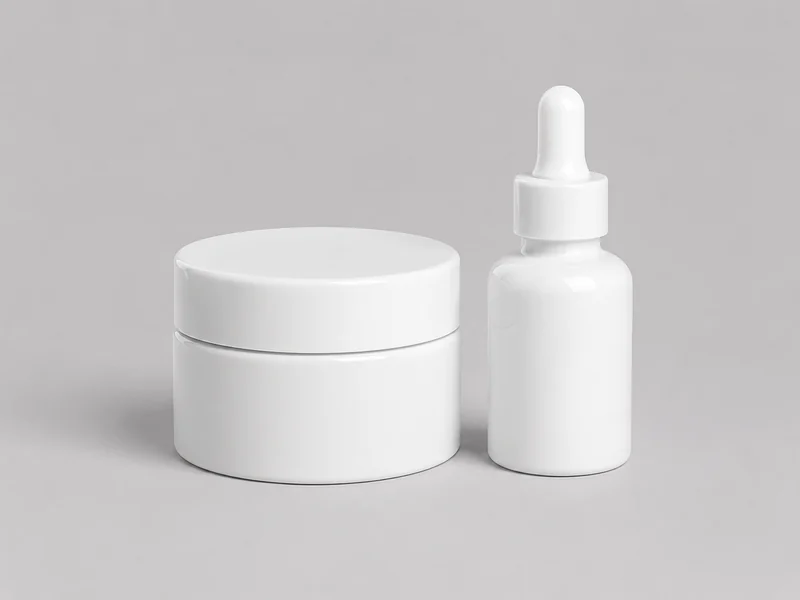
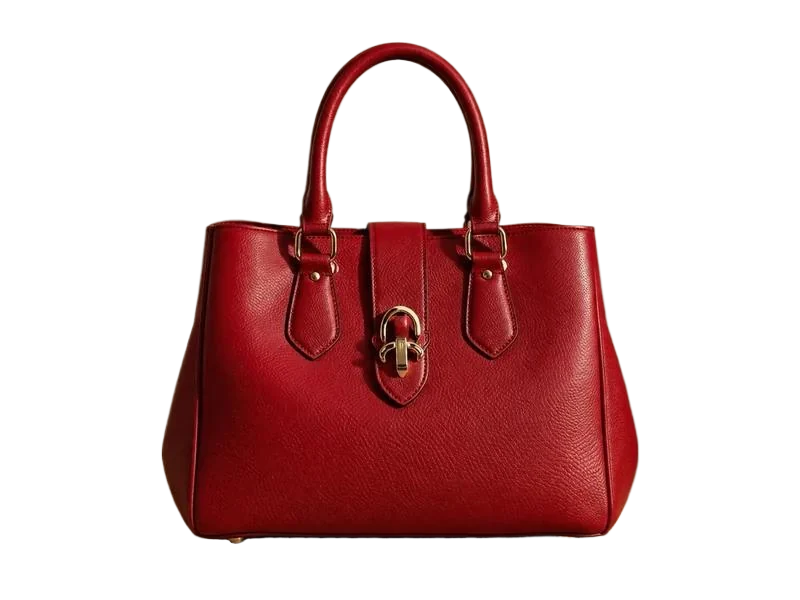
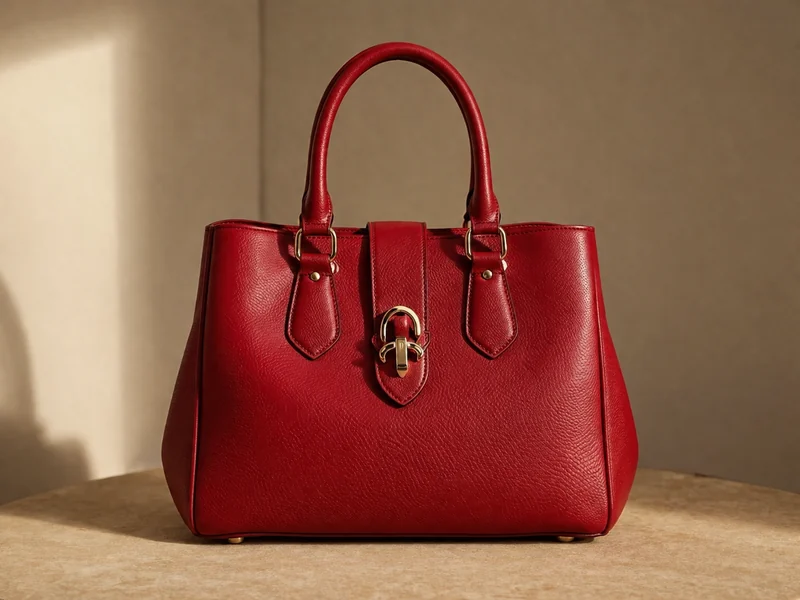
A plain product shot goes in; a styled, on-brand scene comes out. The product keeps its shape, color and label, while the reference decides the setting, light and mood.

After example image
Before example image
Before After

Where you can use it

Marketplace main and gallery images Turn plain catalog shots into lifestyle images for Amazon, Shopify, Etsy or Taobao listings.
Social media ads Seen an ad style that works? Recreate the look with your own product for Instagram, TikTok or Xiaohongshu.
Seasonal launches and campaigns Holiday, summer or new-season visuals in minutes — swap the reference, keep the product.

Pricing

Each generated image costs 4 credits. Credits are charged when you click Generate, and any image that fails is refunded automatically.

Downloading your results is free. See credit packs →

Before you start

  • Text, logos and watermarks in the reference image are not copied into your result.
  • Only use reference images you have the right to use — your own photos, licensed stock, or images you have permission for.
  • Use a clear, well-lit product photo; a cutout with the background removed works best.
  • AI recreates the scene rather than editing it pixel by pixel, so small details of the reference may differ.

Frequently asked questions

What kind of reference image works best?

A photo with a clear setting and lighting — a styled product ad, a catalog page or a lifestyle shot. The closer its subject is in size and shape to your product, the more natural the result.

Will the text or logo from the reference appear in my image?

No. Text, logos and watermarks in the reference are deliberately left out — only the scene, props, lighting and composition are carried over.

Can I use the cutout I made with Background Remover?

Yes. After removing a background, click “Put it in a reference scene” and your cutout is added here automatically.

How many credits does it cost?

Each generated image costs 4 credits, charged when you click Generate. If an image fails, its credits are refunded automatically.

Can I reopen a result later?

Yes. Every generation is listed in your task center, where you can reopen or download it for 72 hours.

You may also need